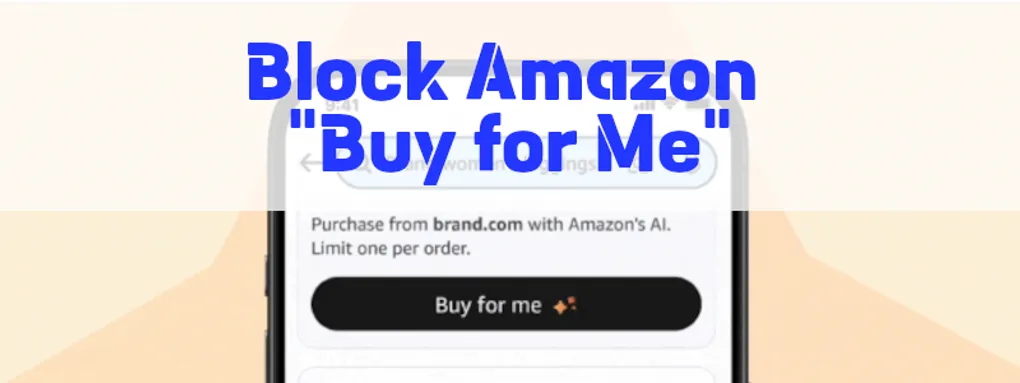
Automatically Cancel Amazon "Buy For Me" Orders Using Shopify Flow
You’ve probably already seen orders from Amazon “Buy for Me”. They’re the orders with email addresses ending with buyforme.amazon.
Amazon’s basically taking the liberty of shifting chargeback risk onto you. I’ve already read horror stories about 28% chargeback rates.
Meanwhile they’re data mining your store.
You may honestly be better off cancelling these orders automatically than fulfilling them.
Here’s how:
Why You Should Cancel These Orders
These aren’t customers building a relationship with your brand. They’re intermediated transactions with little long-term upside for you.
Amazon masks the buyer. You lose customer data, communication control, and absorb support risk. Returns, address issues, and payment disputes become your problem.
Because the customer is masked, there is no way for your fraud prevention to give the order a risk score.
The Workflow
This Flow runs at order creation. It checks the customer email domain immediately.
If the email ends with buyforme.amazon, the order is canceled.
Payment is refunded before fulfillment ever starts.
Step 1: Change Payment Capture Method
Open the Shopify Admin page. Then navigate to Settings > Payments. Under “Payment capture method”, select “Manually”. Click the Save button.
Step 2: Install Shopify Flow
Open this link to the Shopify Flow app. Click Install.
Step 3: Create the Workflow Trigger
Create a new workflow by clicking “Create workflow”.
Select Order created as the trigger. This guarantees the check happens before fulfillment logic runs.
Step 4: Detect the Amazon Proxy Email
Add a Condition step. Choose Order → Email as the field.
Set the comparison to ends with.
Enter buyforme.amazon.
Only Amazon proxy orders match this pattern.
Step 5: Cancel and Refund Automatically
Under the True path, add an Action. Select Cancel order.
Enable payment refund. Enable restocking if your inventory model requires it.
At this point, the order lifecycle ends cleanly. Nothing leaks into fulfillment or support queues.
Step 6: Activate and Move On
Name the workflow something explicit. For example, “Auto-cancel Amazon Buy For Me”.
Now Turn the workflow on. That’s the last time you need to think about this problem.
Heads Up
Proxy orders are only one tactic Amazon uses to screw you.
They also run aggressive product scraping bots. These bots harvest pricing, availability, and metadata continuously. Your data is used against you for Amazon’s benefit.
FraudFighter blocks both of these tactics. Not with alerts or dashboards, but by stopping the behavior outright.
FraudFighter gives you ongoing protection. We actively monitor Amazon’s actions so we can stop their next hostile scheme too.
Try it free for a month by entering your email below. Sign-ups are open for the next two weeks.